A multi-store retail campaign must deliver the same brand message across different locations while allowing each store to adapt schedules, promotions, and operating hours. A poster LED display can support this model by replacing printed posters with reusable digital content that can be updated without changing the physical signage.
However, managing one screen in a flagship store is different from operating dozens of displays across a retail network. Buyers must consider screen specifications, content resolution, network access, device permissions, installation positions, power supply, maintenance, and campaign approval procedures before rollout.
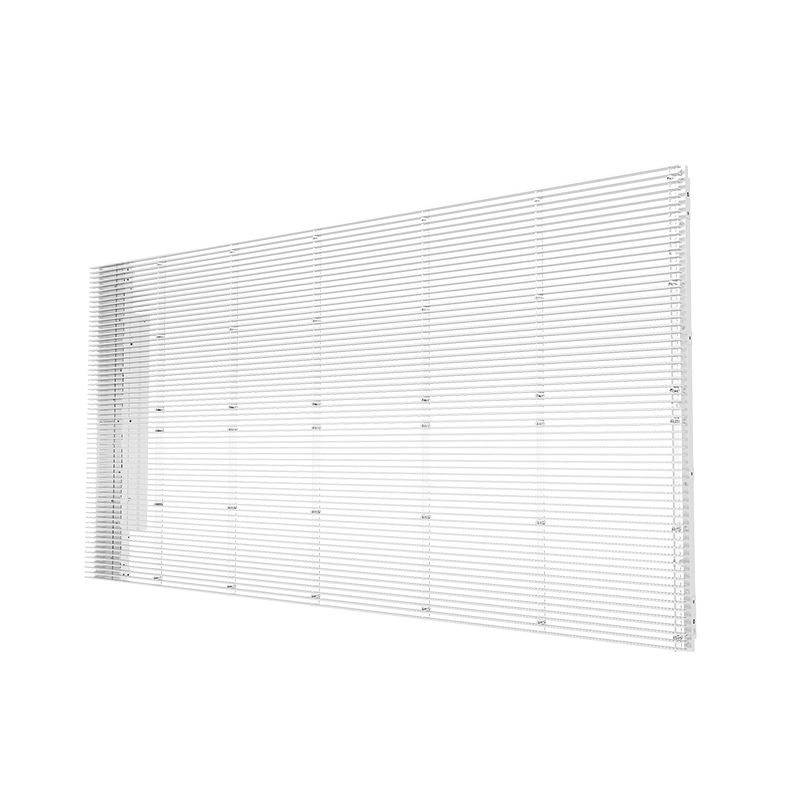
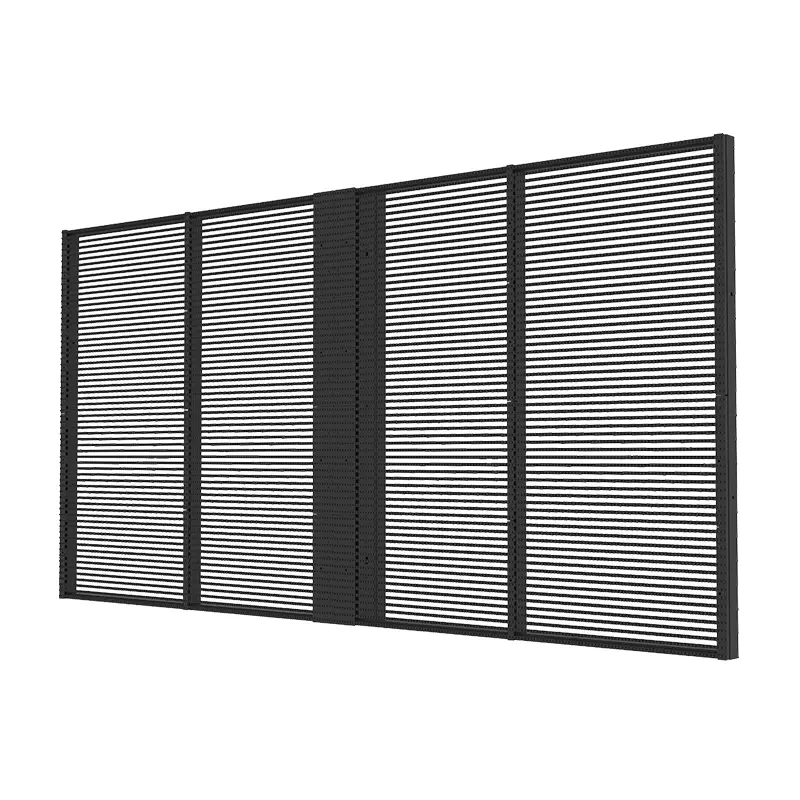
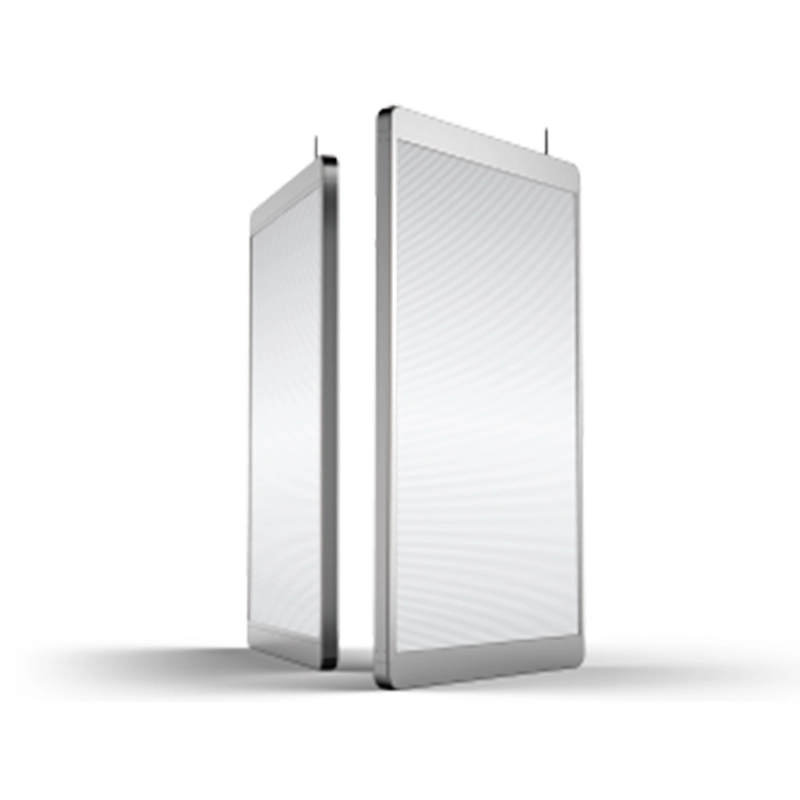
The YIPLED Poster Series combines transparent display, plug-and-play operation, app-based control, and wireless data transmission for retail advertising. Its standard format can simplify repeated deployment when stores need a consistent digital-signage configuration.
Define the Campaign Model Before Selecting a Poster LED Display
The first step is to determine how the screens will be used across the retail network. A display installed in a street-facing window may promote seasonal products to pedestrians, while one positioned near an entrance may guide customers toward offers or new collections.
The campaign brief should identify:
Number of stores and displays per location
Screen position and typical viewing distance
Local or centrally managed content
Campaign start and end dates
Daily operating schedules
Store-specific pricing or language requirements
Staff members authorized to update content
Procedures for approving and replacing media
A national promotion may require every location to display the same campaign simultaneously. Regional stores may need localized prices, opening hours, or product availability. The control system should support both consistency and controlled local variation.
Standardizing the screen model also simplifies content production. Designers can use one canvas resolution and aspect ratio rather than preparing different versions for every store.
Match the Smart LED Poster Display to the Retail Environment
A smart LED poster display should be selected according to ambient light, viewing distance, installation location, and content detail. Bright street-facing windows generally require more output than displays inside shopping malls or enclosed showrooms.
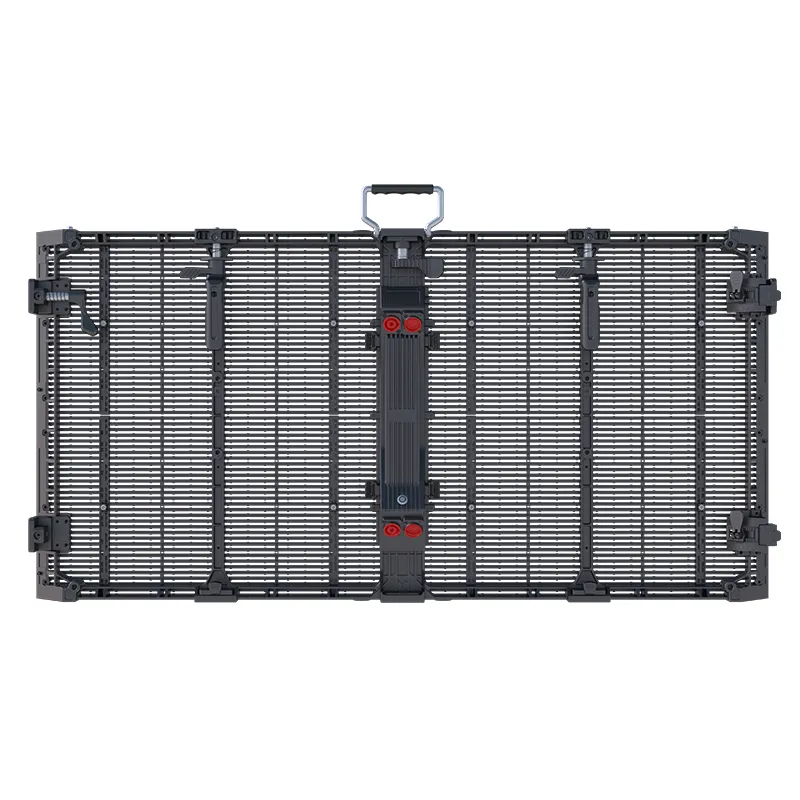
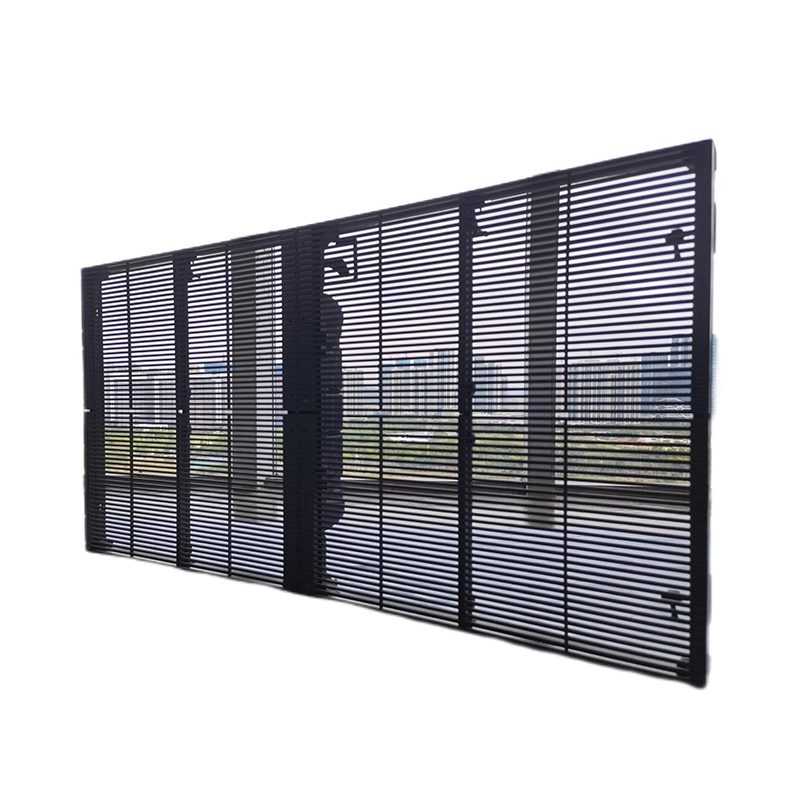
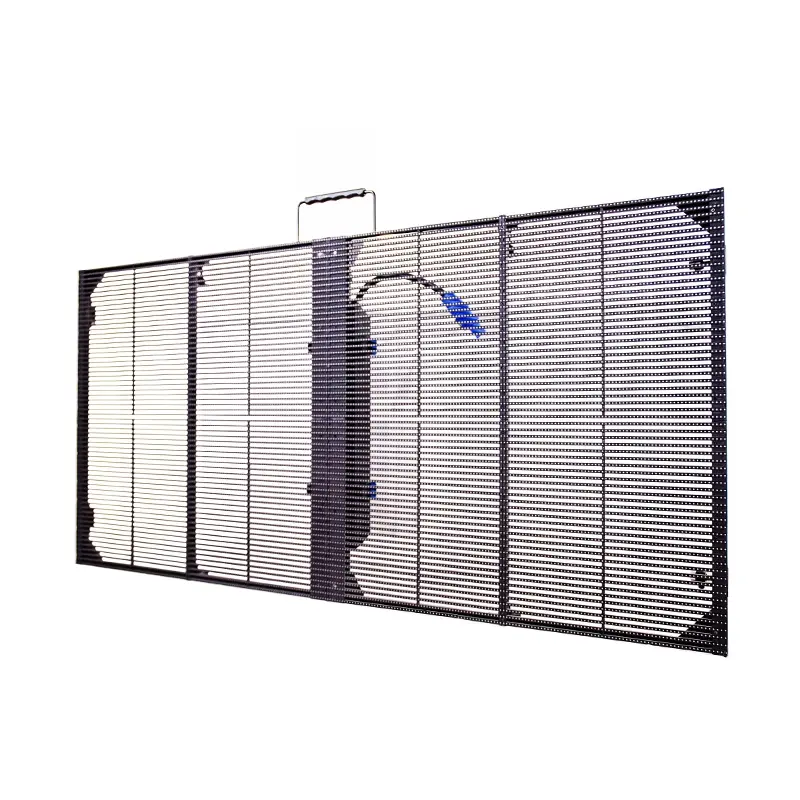
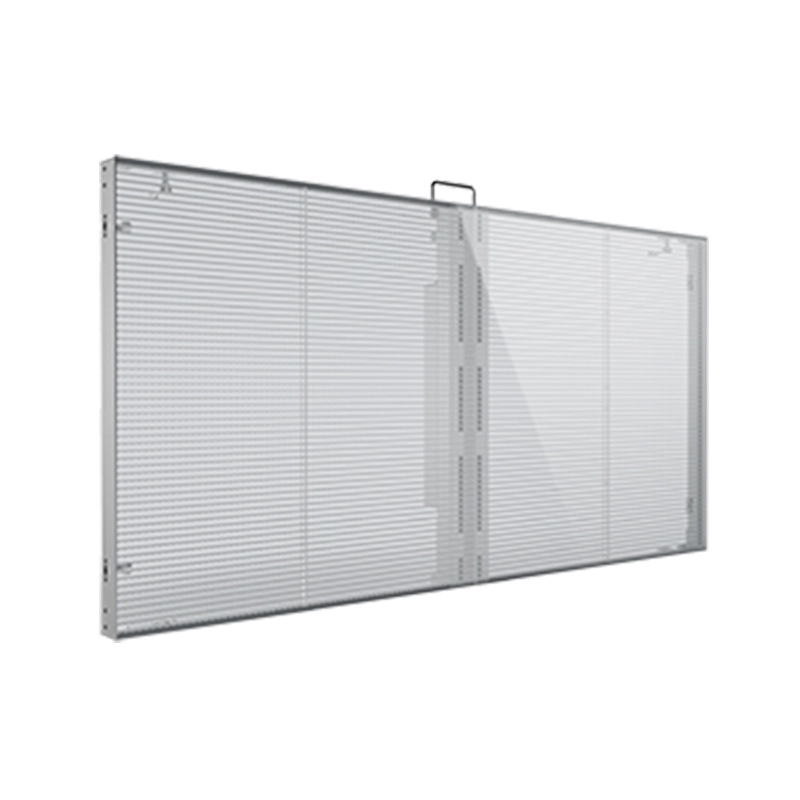
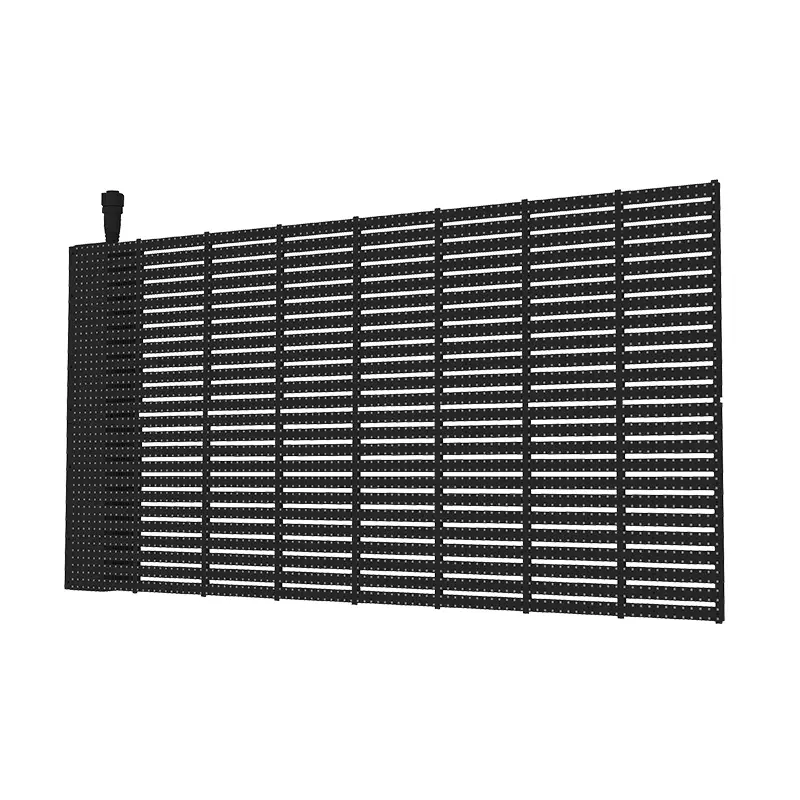
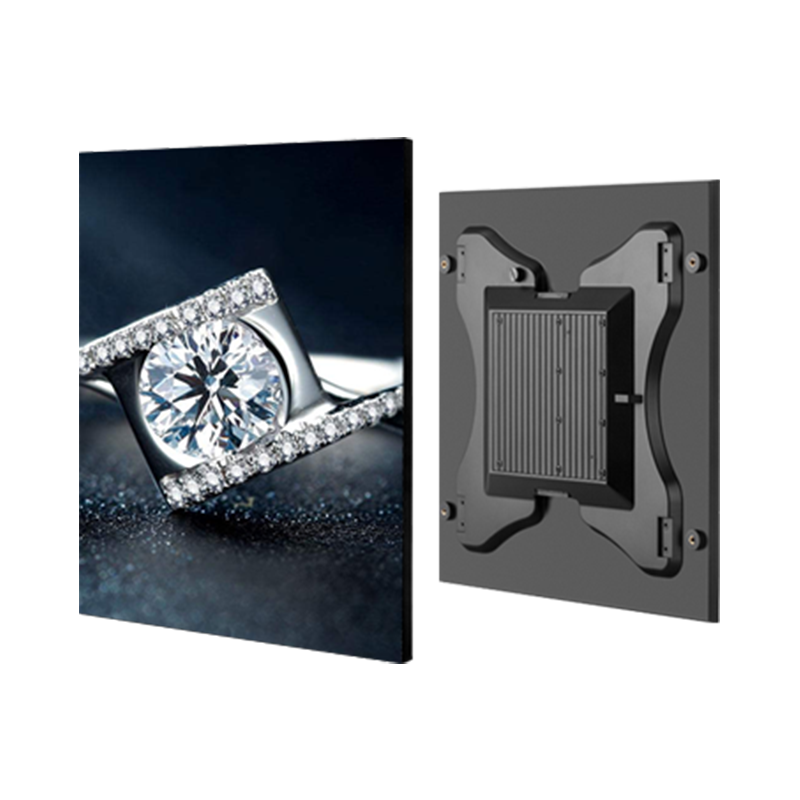
The YIPLED Poster Series uses a 3.9 × 7.8 mm pixel pitch and has a listed pixel density of 32,768 pixels per square meter. Its specification includes brightness up to 5,000 cd/m², 82% transparency, a 160-degree viewing angle, and a 3,840 Hz refresh rate. The listed display module dimensions are 745 × 1,175 × 37 mm.
These specifications make the display suitable for retail content such as:
Brightness should be adjusted according to the actual store environment. Maximum output may help during bright daytime conditions, but a lower evening setting can improve visual comfort and reduce unnecessary power use.
The screen is rated IP42 and uses rear maintenance, so its placement should provide protection from direct rain and sufficient access behind the display for service.
Plan a WiFi Control Poster LED Display Network
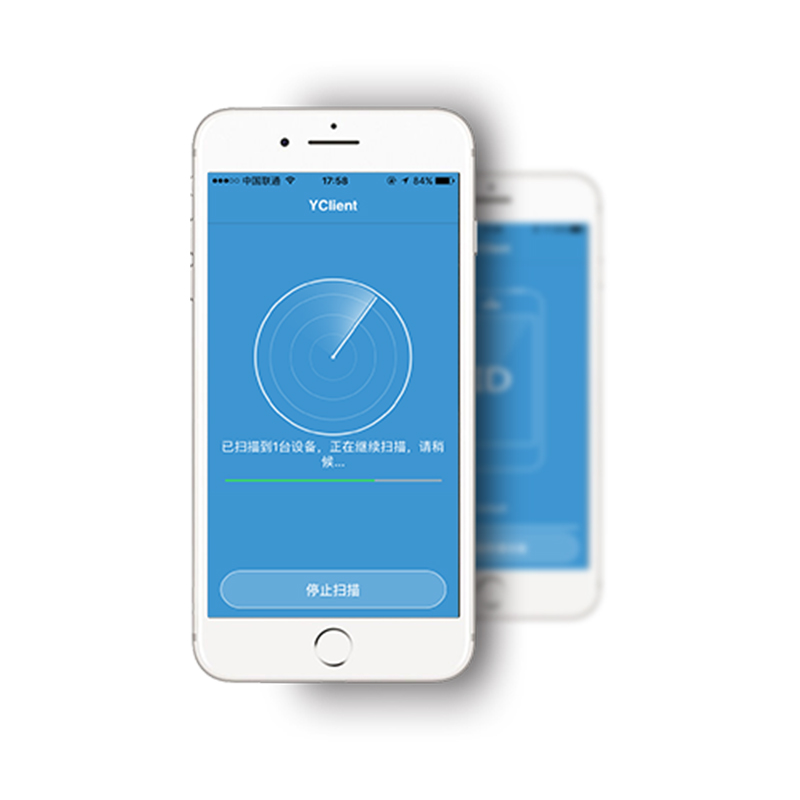
A WiFi control poster LED display can reduce the need for store employees to connect computers or physically replace media. The Poster Series supports smart control through a mobile app, wireless data transmission, and a screen-plus-cloud-plus-app connection model.
For a small number of screens, local app control may be sufficient. A multi-store campaign requires a more structured approach. The retailer or system integrator should confirm:
| Control requirement | Planning question |
|---|
| User access | Who may upload, approve, schedule, or delete content? |
| Store grouping | Can displays be organized by region, campaign, or store type? |
| Scheduling | Can content start and stop automatically? |
| Connectivity | Will each location use Wi-Fi, Ethernet, or another network? |
| Monitoring | Can administrators confirm whether each screen is online? |
| Recovery | What happens after a network or power interruption? |
| Security | How are accounts, passwords, and device permissions managed? |
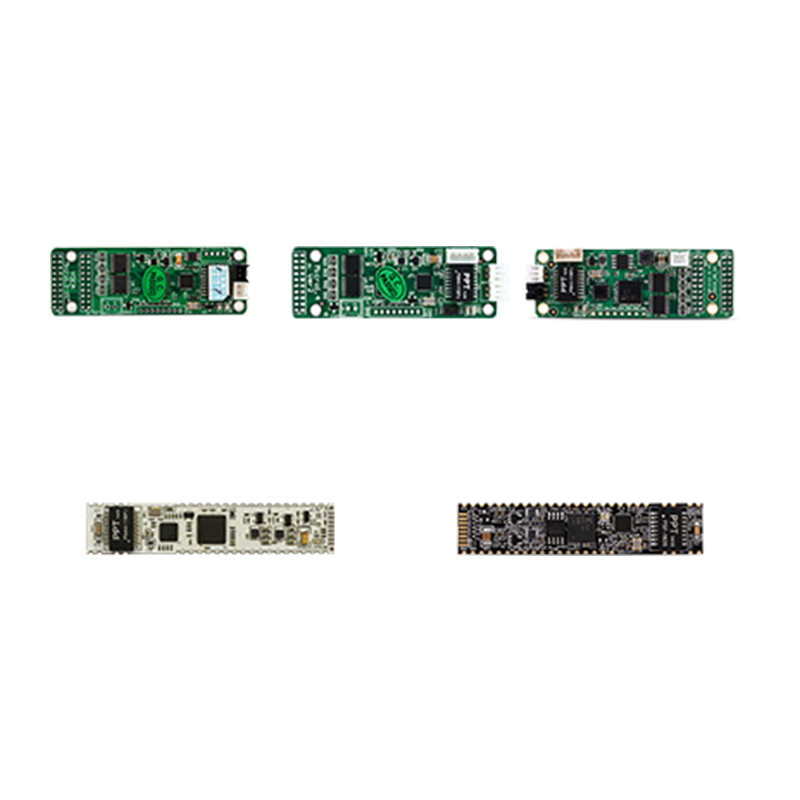
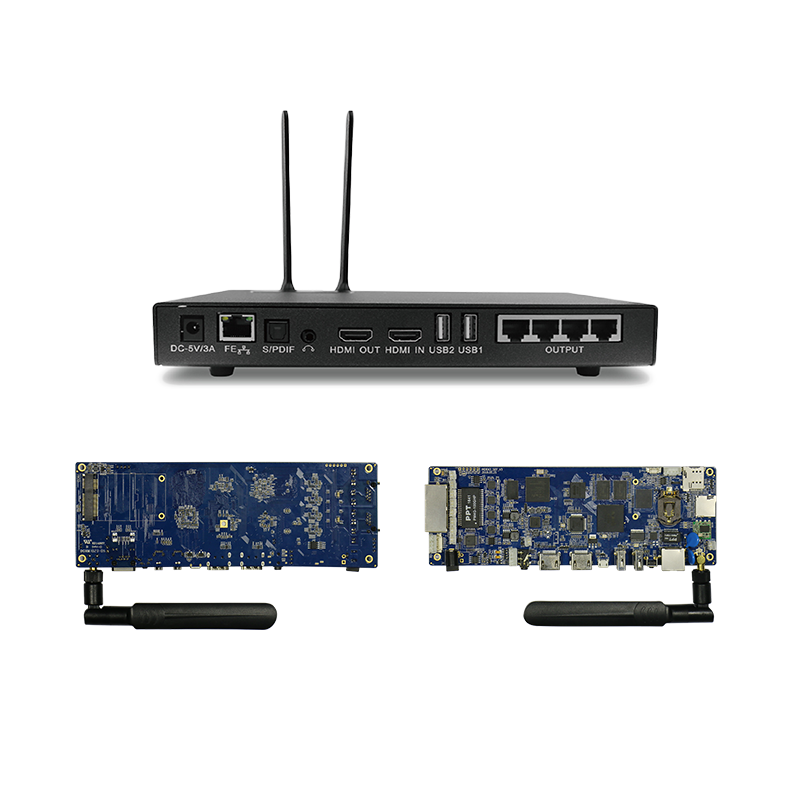
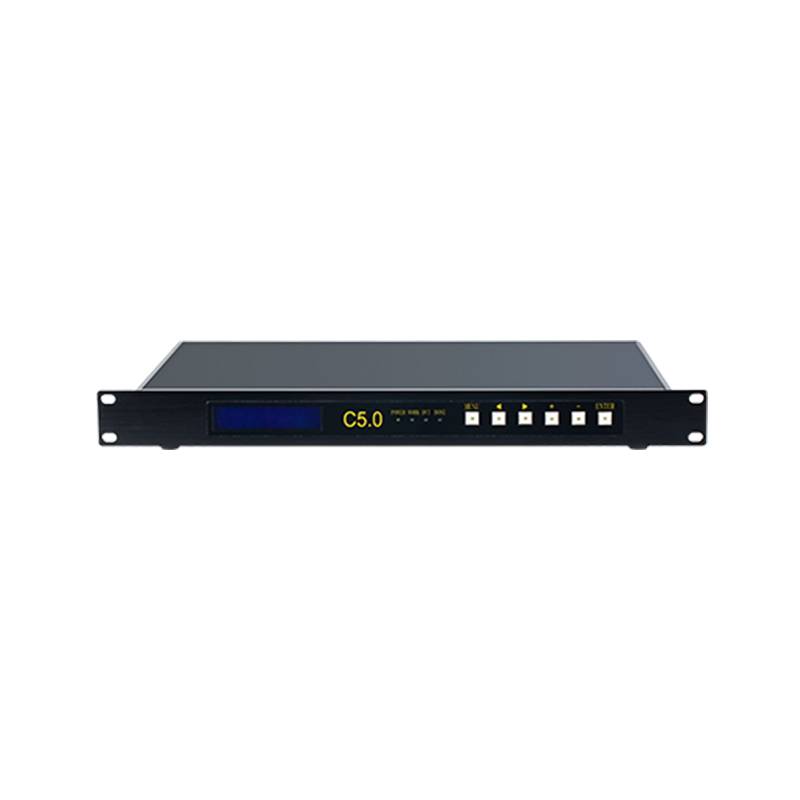
XMOZU’s MDEA media control system supports RJ45, Wi-Fi, and external mobile-network connectivity for network publishing and real-time synchronized playback. The exact controller and software configuration should be confirmed according to the number of stores and required management functions.
How to Control Poster LED Display Content Across Multiple Stores
To control poster LED display content efficiently, brands should establish a repeatable publishing workflow. Without defined procedures, different stores may use outdated files, incorrect prices, or media that does not match the screen resolution.
A practical workflow includes four stages:
Content creation: Produce media using the approved resolution, aspect ratio, duration, and brand guidelines.
Review and approval: Check product information, prices, dates, language, and legal requirements.
Publishing: Assign the playlist to the correct stores and schedule its operating period.
Verification: Confirm that displays are online and showing the correct campaign.
Content should be created specifically for LED viewing. Large text, clear product images, short messages, and controlled motion are generally easier to read than crowded layouts. Important information should remain inside a safe area so it is not visually affected by the screen structure or installation surroundings.
The Poster Series has a module resolution of 178 × 128 pixels. Designers should therefore test detailed text and graphics at the actual viewing distance rather than judging the campaign only on a high-resolution computer monitor.
Plan the LED Poster Stand and Store Installation
The position of the LED poster stand affects visibility, safety, cable management, and maintenance. The screen should attract customers without blocking entrances, emergency routes, product access, or staff movement.
During the site survey, record:
Available floor or window space
Viewing direction and pedestrian traffic
Distance from customers
Nearby electrical outlets
Wi-Fi or network signal strength
Reflections and direct sunlight
Rear maintenance clearance
Risk of accidental impact
A freestanding arrangement should have a stable base and appropriate anti-tip protection. Power and data cables should be concealed or secured so they do not create trip hazards. When the display is placed behind glass, the installer should test reflections and confirm that ventilation and rear service access remain adequate.
The Poster Series has a listed weight of 25 kg per square meter and average power consumption of 240 W per square meter, with maximum consumption listed at 800 W per square meter. Electrical planning should use the maximum load and include appropriate circuit protection.
Test the Multi-Store Rollout Before Full Deployment
A pilot installation should be completed before purchasing and deploying the full screen quantity. Choose stores that represent different conditions, such as a bright street window, an indoor mall, and a smaller boutique.
The pilot should verify image quality, brightness settings, network stability, content updates, operating schedules, installation safety, and staff procedures. It should also confirm how quickly a failed campaign file or offline screen can be identified and corrected.
After the pilot, create a standard rollout package containing the screen configuration, installation drawing, power requirement, controller setup, network checklist, content template, commissioning form, and maintenance instructions.
FAQ About Poster LED Displays
Can one platform manage poster LED displays in different stores?
Yes, when the selected control system supports network publishing, screen grouping, and remote content distribution. The required software configuration should be confirmed before rollout.
Can store staff update content through Wi-Fi?
The Poster Series supports mobile-app and wireless control. User permissions should be limited so local employees can only change approved content or schedules.
Is a poster LED display suitable for a shop window?
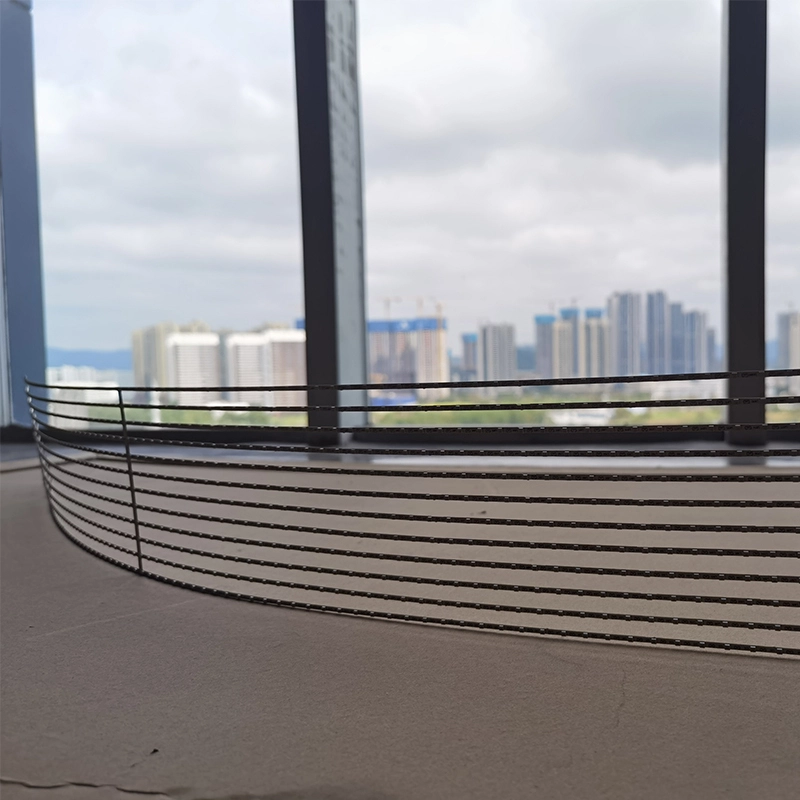
Yes. Its transparent design helps retain visibility through the display, while the listed brightness supports retail advertising in illuminated environments.
What content works best on an LED poster display?
Short videos, bold text, product images, campaign graphics, and simple promotional messages usually perform better than dense text or highly detailed layouts.
What should be included in the installation survey?
Record screen position, viewing distance, ambient light, power access, network strength, rear service space, pedestrian movement, and mounting or stand requirements.
Conclusion
A successful multi-store poster LED display campaign depends on more than screen quality. Retailers must coordinate technical specifications, wireless content control, campaign workflows, installation safety, network access, and ongoing maintenance.
By standardizing the Poster Series configuration and testing the complete process in representative stores, brands can distribute campaigns more efficiently while retaining controlled local flexibility. XMOZU can review store conditions, display quantities, content requirements, and control architecture to develop a suitable poster LED display solution for individual retailers or multi-location rollouts.